Letting B2B buyers create and manage their own contacts
Learn how to let your B2B buyers manage their own locations and contacts using automation tools from Onboard B2B, exclusively for Shopify Plus stores using Shopify B2B

There's a better way than emailing back-and-forth
If you are a high-volume merchant on Shopify Plus, you know that B2B relationships are complex. Unlike direct-to-consumer (DTC) shoppers who usually buy for themselves, B2B buyers have unique needs. They have purchasing managers, junior buyers, and accountants, all needing access to your store.
Usually, managing this access falls on you. You receive an email asking to add a new employee to a Company Location. You log in to the Shopify admin, find the company, add the contact, and set permissions. Two weeks later, that employee leaves, and you get another email asking to remove them.
It’s administrative friction that slows down your buyers and clogs up your support queue.
There is a more efficient way to handle this. With Onboard B2B, you can empower your B2B customers to manage their own users, roles, and permissions by location.
Why self-service matters for B2B
Your B2B clients don't want to email you to reset a password or add a new buyer any more than you want to do it for them. They want autonomy.
As Shopify explains in their guide to B2B onboarding:, the requirements for business buyers are significantly higher than standard consumers:
"In business-to-customer (B2C) workflows, onboarding might mean a welcome email or app tutorial. In B2B commerce, it means getting teams ready to place orders, often across multiple buyers, locations, and workflows."
By moving to a self-service model, you can handle these "multiple buyers and locations" without the manual workload.
[](https://www.youtube.com/watch?v=e84Mmvenu1o)
How Onboard B2B helps
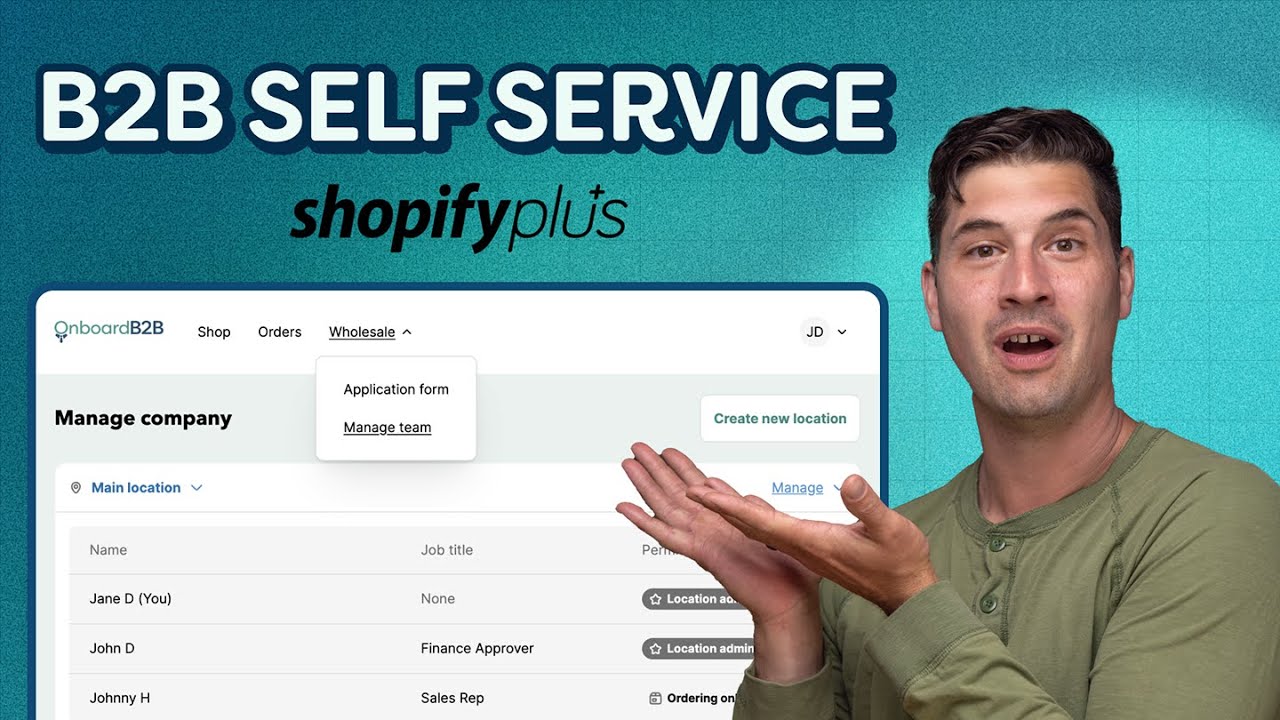
Onboard B2B integrates directly with Shopify’s B2B customer accounts to give control back to the company administrators. Here is what this looks like in practice:
- Company-managed users: A designated "Location admin" at the buying company can add, edit, or remove their own staff members.
- Role-based access: Location admins can assign specific roles. They might make their head buyer an "Admin" with full control, while junior staff are set to "Order-only," ensuring they can place orders but not change company settings.
- Location-specific management: If a company has multiple branches (Locations), they can create new Locations and assign specific contacts to specific locations, keeping their operations organized.
Give control back to your buyers
Enabling these features reduces your operational overhead and gives your buyers the professional, streamlined experience they expect from a wholesale portal.
You can get started with these features today. Note that these capabilities require a Shopify Plus plan with B2B features enabled.
Let B2B buyers manage their own locations and contacts with Onboard B2B
Connect with our team to discuss your project and see how we can help.
